
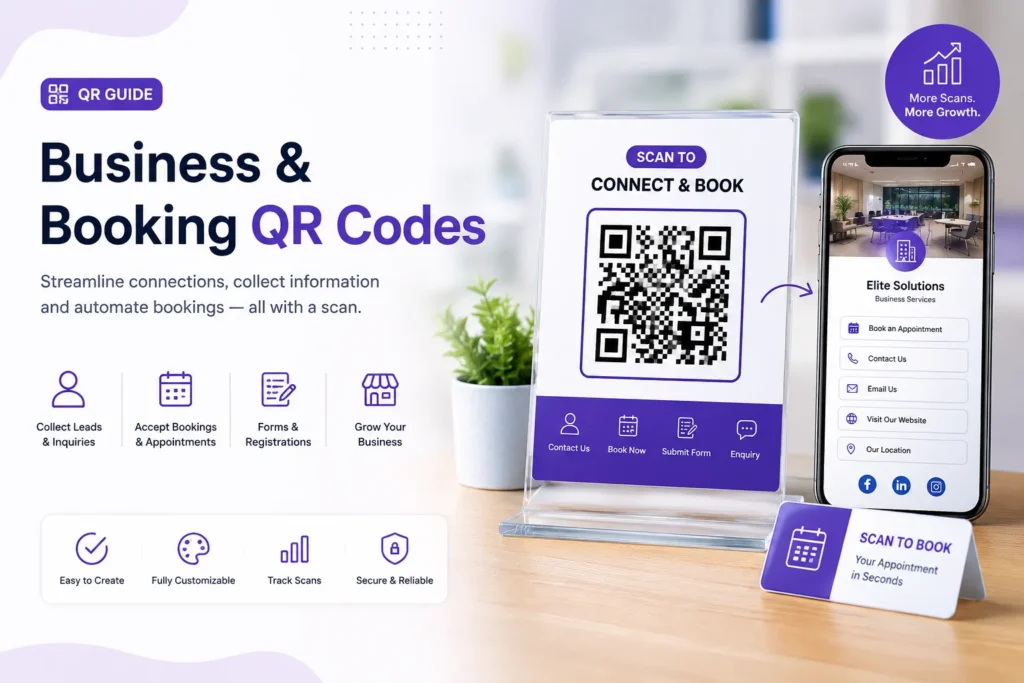
This group guide covers Google Forms, bookings, reviews, tickets, attendance, shops, and app store links. It sits under the main QR Code Guide and links to a dedicated type guide plus the live tool route for each option. Use it when you know the category but still need to pick the exact payload.
Why business and booking qr codes matter
People search for how to generate a QR code for a Google Form, booking QR, Google review QR because those tasks show up in real campaigns. A group page helps you compare options before you open the generator. You learn which type fits the action after the scan, how destinations should be formatted, and which type guides go deeper.
Value shows up as fewer failed handoffs. Guests, customers, students, and attendees get to the right app or page without typing. Your job is to keep the payload short, the print contrast high, and the destination stable.
How to use this group with the tool hub
- Skim the type list below and open the type guide that matches your action.
- Follow the type guide into the matching QR Code Generator route.
- Fill fields or host a file, customize if needed, download PNG or SVG, then scan before print.
- Return here or to the main QR Code Guide when you need another category.
Types in this group
Practical use cases
Campaigns in this group usually start from a clear call to action on print or packaging. Keep copy near the code short: Follow us, Join Wi-Fi, Open menu, Pay here, or Fill the form. The code should do the heavy lifting. The type guides explain field-by-field setup so you are not guessing formats.
When two types could work, prefer the one that opens the native app people already use. WhatsApp beats a generic URL for chat. Wi-Fi beats a text note with a password. A Google Form route beats a long forms.gle string written on a whiteboard.
Design and print notes for this group
Use dark modules on a light quiet zone. Keep logos small and raise error correction if you brand the code. Export SVG for Illustrator or InDesign. Export PNG for slides and social. Test on iPhone and Android in the lighting where the code will live.
For file and payment destinations, confirm the link still opens after a week. Static codes do not repair broken share settings or renamed payment usernames. If something might move, encode a page you control.
How this group links the rest of the hub
Each type row below should point to a type guide page (for example facebook-qr-code or wifi-qr-code) and that guide points to the live tool. The main guide explains the overall system. Related group guides cover neighboring jobs so you can move from social to contact or from media to business without starting over.
Related groups: Social Media QR Codes, Media & File QR Codes, Payment QR Codes, Map & Location QR Codes, Contact & Communication QR Codes
Common questions before you generate
Do you need analytics? Point a static code at a short URL you own. Do you need to change the destination later? Same approach. Do you need a logo? Keep it small. Do you need many codes? Reuse design settings and generate each payload carefully rather than stuffing a huge dataset into one pattern.
When you are ready, open a type guide in the table, then create the code on the free generator. Come back to this Business and Booking QR Codes page whenever a new campaign needs another option in the same family.
Checklist before you print
- Destination opens on a phone without a login wall you did not expect.
- Code has quiet margin and strong contrast.
- Size matches viewing distance.
- You scanned a test print or a bright screen preview.
- You know whether PNG or SVG fits the layout tool.
Teams that follow this checklist waste less money on reprints and see more completed scans. Treat the group page as your short planning brief, then let the type guide and tool finish the job.
If you arrived from a search for a specific generator phrase, you are in the right neighborhood. Open the matching type guide for the exact how-to, then use the tool route to download the file you will place in your design.
Keep iterating: generate, scan, adjust, download. The free browser workflow is built for that loop, and this group guide exists so you pick the right loop before you spend time on the wrong payload.
Keep iterating: generate, scan, adjust, download. The free browser workflow is built for that loop, and this group guide exists so you pick the right loop before you spend time on the wrong payload.
Keep iterating: generate, scan, adjust, download. The free browser workflow is built for that loop, and this group guide exists so you pick the right loop before you spend time on the wrong payload.
Keep iterating: generate, scan, adjust, download. The free browser workflow is built for that loop, and this group guide exists so you pick the right loop before you spend time on the wrong payload.
Keep iterating: generate, scan, adjust, download. The free browser workflow is built for that loop, and this group guide exists so you pick the right loop before you spend time on the wrong payload.
Keep iterating: generate, scan, adjust, download. The free browser workflow is built for that loop, and this group guide exists so you pick the right loop before you spend time on the wrong payload.