
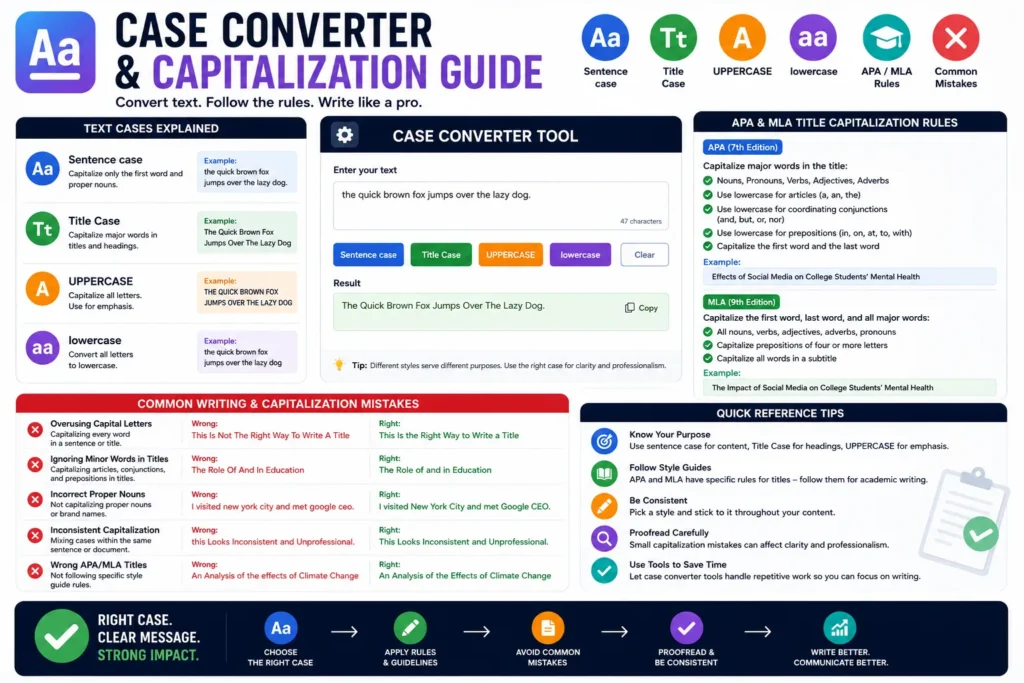
Fix Text Case Faster
Switching case is one of those small, repetitive chores in content work that eats more time than it should. This tool handles sentence case, title case, uppercase, and lowercase without making you open a word processor.
When To Use Each Case
- Sentence case: your everyday body copy and paragraph text.
- Title Case: headlines and section titles.
- UPPERCASE: short labels or anywhere you want visual emphasis.
- lowercase: normalizing text or cleaning up a messy import.
Workflow
- Paste your text: add the copy you want to reformat.
- Pick a case mode: choose sentence case, title case, uppercase, or lowercase.
- Check the output: review the converted text and make any final edits.
- Copy the result: move it into your CMS, document, or scheduler.