
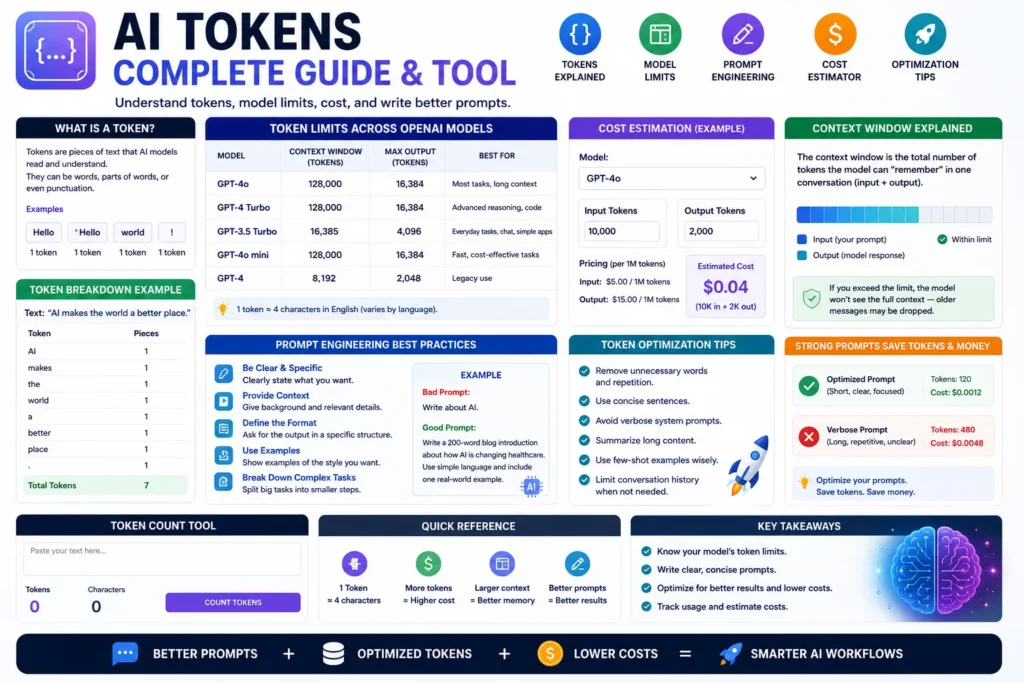
Estimate Prompt Token Usage Before You Send
AI costs and context limits track tokens, not plain characters, which is why a character count alone will not tell you what you need to know. This tool gives you a practical token estimate so you can trim a prompt before it overflows a model’s context window.
How to use the AI Prompt Token Counter
- Paste your messages: add the system instructions and user prompt you plan to send.
- Review the estimate: check the approximate token total before making an API call.
- Trim the prompt: remove repeated context or unnecessary instructions, then review the updated estimate.
Why Token Estimation Matters
- Keep API costs in check on longer prompts.
- Fit your instructions and context inside model limits.
- Spot noisy or repetitive sections worth cutting.
Want a quick plain-text check first? The Character Counter is a good starting point before token planning.