
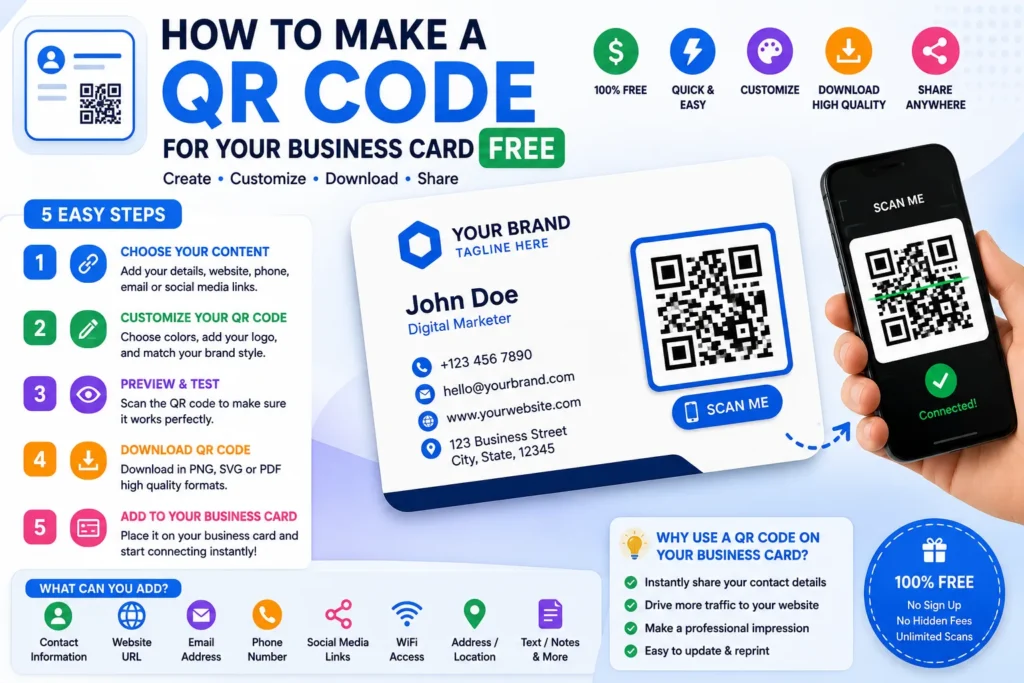
Need a walkthrough with use cases, formulas, and print tips? Read How to Create a QR Code — it pairs with this free QR Code Generator and covers business cards, menus, Wi-Fi sharing, and common scanning mistakes.
What this QR generator does
A QR code stores text — usually a URL — in a square barcode phones can read with the camera app. Our generator encodes that text locally in your browser, lets you style the code with ShoutingNow blue and yellow accents, optional logo embedding, dot shapes, frames, and caption text, then exports PNG or SVG at up to 2000×2000 pixels.
Supported content types
| Type | What gets encoded | Typical use |
|---|---|---|
| URL / Link | Website address (https added automatically) | Flyers, packaging, business cards |
| Text | Plain message up to ~2,900 characters | Instructions, promo codes, event notes |
| Wi-Fi | WIFI:… standard string | Guest networks at cafés, offices, Airbnbs |
| mailto: with subject and body | Support desks, feedback forms | |
| vCard | Contact card (VCARD 3.0) | Networking events, sales collateral |
| Map / Location | geo: latitude,longitude | Storefronts, venues, real-estate signs |
| Application | App Store + Play Store links | App launch campaigns |
| Image / PDF | Public URL to hosted file | Menus, brochures (host file first) |
How to create a QR code in 3 steps
- Choose a type and add content — pick URL, Wi-Fi, vCard, or another tab, then fill in the fields. The preview updates as you type.
- Customize the design — switch between Classic and Logo QR, set dot colors, pick a frame, add optional caption text, and adjust error-correction level if you embed a logo.
- Download — select PNG or SVG and resolution (256 px to 2000 px), then click Download QR Code. Test with your phone camera before printing.
Logo QR and error correction
Embedding a logo covers part of the QR pattern. Raise error correction to Quartile (Q) or High (H) so scanners can recover missing modules. Keep logos under ~20% of the code area and use square images with padding for best results.
Static vs dynamic QR codes
This tool creates static codes — the destination is baked into the image. You cannot change the link after printing without generating a new code. Dynamic codes (editable after print) require a hosted redirect service. For menus and campaigns that change often, static codes work best when they point to a page you control (your website URL), not directly to a PDF file that might move.
Privacy
Content and logo images are processed in your browser. ShoutingNow does not store your QR payloads or uploaded logos on our servers.
Learn more
Read our step-by-step guide: How to Create a QR Code.